Print several passport photos on one sheet
Free print layout: pick size, fill slots, download one sheet.
Loading...
How it works
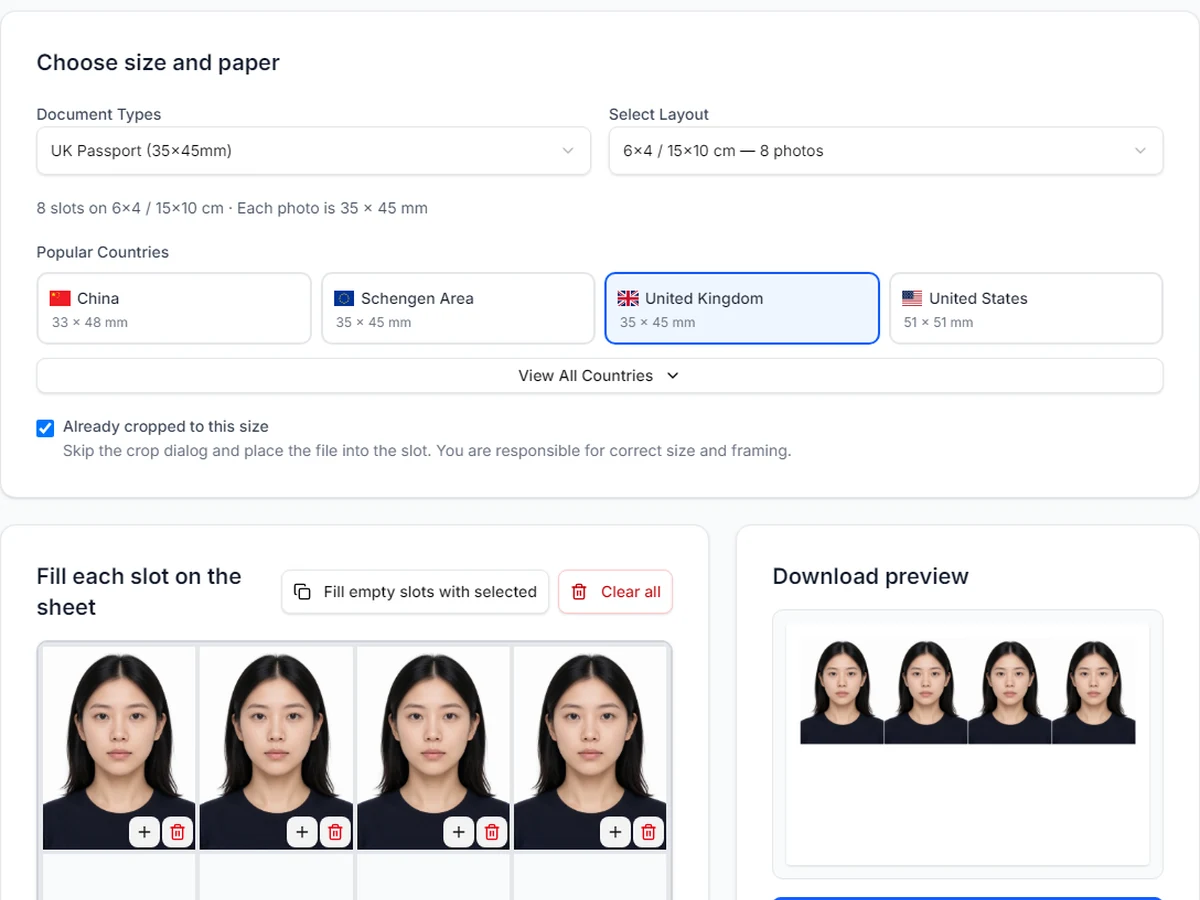
- 1.Pick the country document size (for example UK 35x45 mm or US 2x2).
- 2.Choose the print paper (4x6, 6x4, A4, and more). The grid shows how many slots fit.
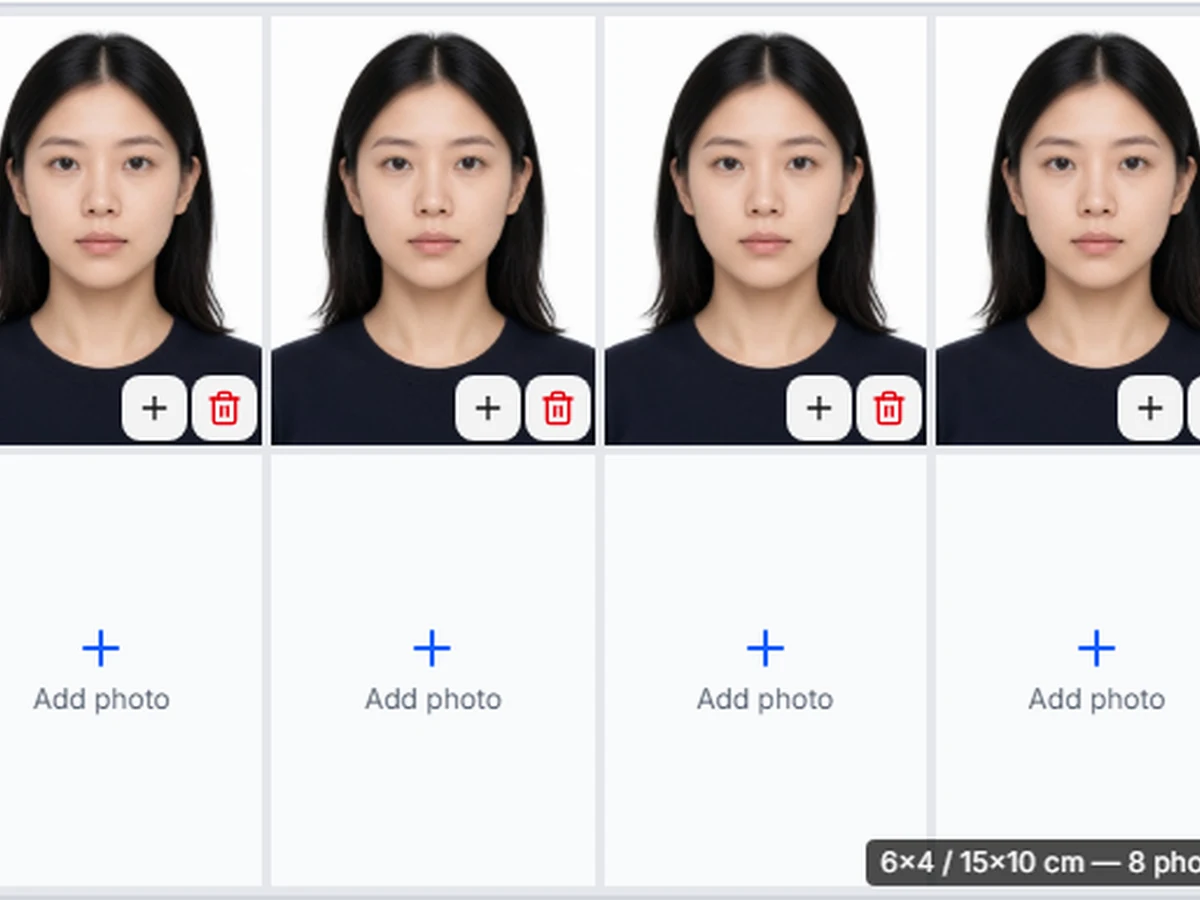
- 3.Tap each slot to add a photo. Different people are fine; empty slots stay blank.
- 4.Download one JPG and print at 100% scale—borderless if the lab offers it.
Who this print layout is for
Families renewing passports together who want several compliant prints from one lab trip.
Anyone who already has finished passport-size photos and only needs them arranged on drugstore paper.
Travellers who need extras for forms that ask for two identical prints—duplicate a slot instead of paying for a second counter package.
Print sheet vs the homepage crop tool
Use the homepage crop tool when you need one correct photo for an online upload or a fresh crop from a phone picture.
Use this page when the photos are ready and you want a print layout—multiple copies or multiple people on one sheet.
Still need a single passport photo file? Open the crop tool →
Common paper sizes for passport photo layouts
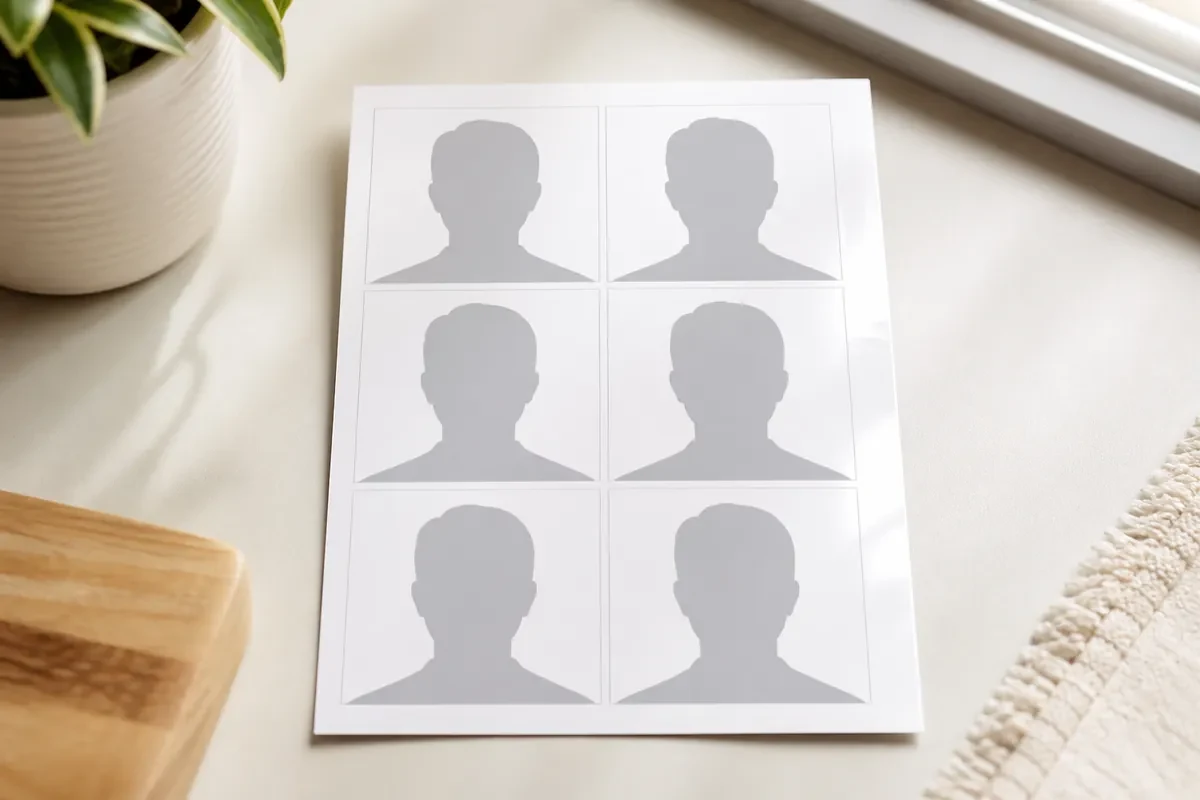
- 4x6 / 10x15 cm (portrait): common US drugstore size; US 2x2 often fits six photos.
- 6x4 / 15x10 cm (landscape): same paper turned; UK or Schengen 35x45 often fits eight photos.
- A4 / Letter: useful when you need more copies or home inkjet printing—still print at actual size.
Tips before you print
- Keep one document size for the whole sheet. Do not mix US 2x2 with UK 35x45 on the same paper.
- Ask for a borderless print when you chose 4x6 or 6x4, and turn off fit-to-page on home printers.
- If one person still needs a digital upload, crop them on the homepage tool, then drop that finished file into a slot here.
- Clear all slots when you start the next family member set so you do not mix old and new photos.
Common questions
Is this the same as a passport photo maker?
No. The homepage maker crops one photo to the official size. This page is a print layout tool for arranging ready photos on paper.
Can different people share one sheet?
Yes—as long as everyone uses the same document size. Fill each slot with a different photo, or leave unused slots blank.
How many photos fit on 4x6 or 6x4?
It depends on the document size you select. The dropdown shows the count for each paper option before you download.
Should I laminate the sheet?
No. Cut the rectangles after printing. Laminated passport photos are usually rejected.